Create cinematic edits with literally any camera.
Stop chasing gear. Start creating images that feel like movie frames. Learn the MIC² Framework, my Intent → Preset → Corrections workflow, and the exact system I use to create cinematic photos on everything from smartphones to thrift-store cameras.
You're Not Stuck Because Of Your Camera
- You feel like your photos never look as cinematic as the creators you follow.
- You keep thinking a new camera or lens will fix your work.
- You spend more time researching gear than taking photos.
- Your edits never quite match the vision in your head.
- You know your photography could be better, but you're not sure why.
The Best Photographers Aren't Better Because Of Their Gear
They're better because they understand four things: Movement, Isolation, Colour, and Contrast - Together, they form the MIC² Framework. The exact system I use to create cinematic photos regardless of what camera I'm shooting on. The MIC² Framework Movement → Create energy Isolation → Direct attention Colour → Create emotion Contrast → Create depth
Introducing The Cinematic Photography Toolkit
A complete photography system built to help you create cinematic images with literally any camera at any budget and price range. Whether it's a $10 Facebook Marketplace camera or a Hock Shop $100 Canon 550D, you can and will get better photos and cinematic images.
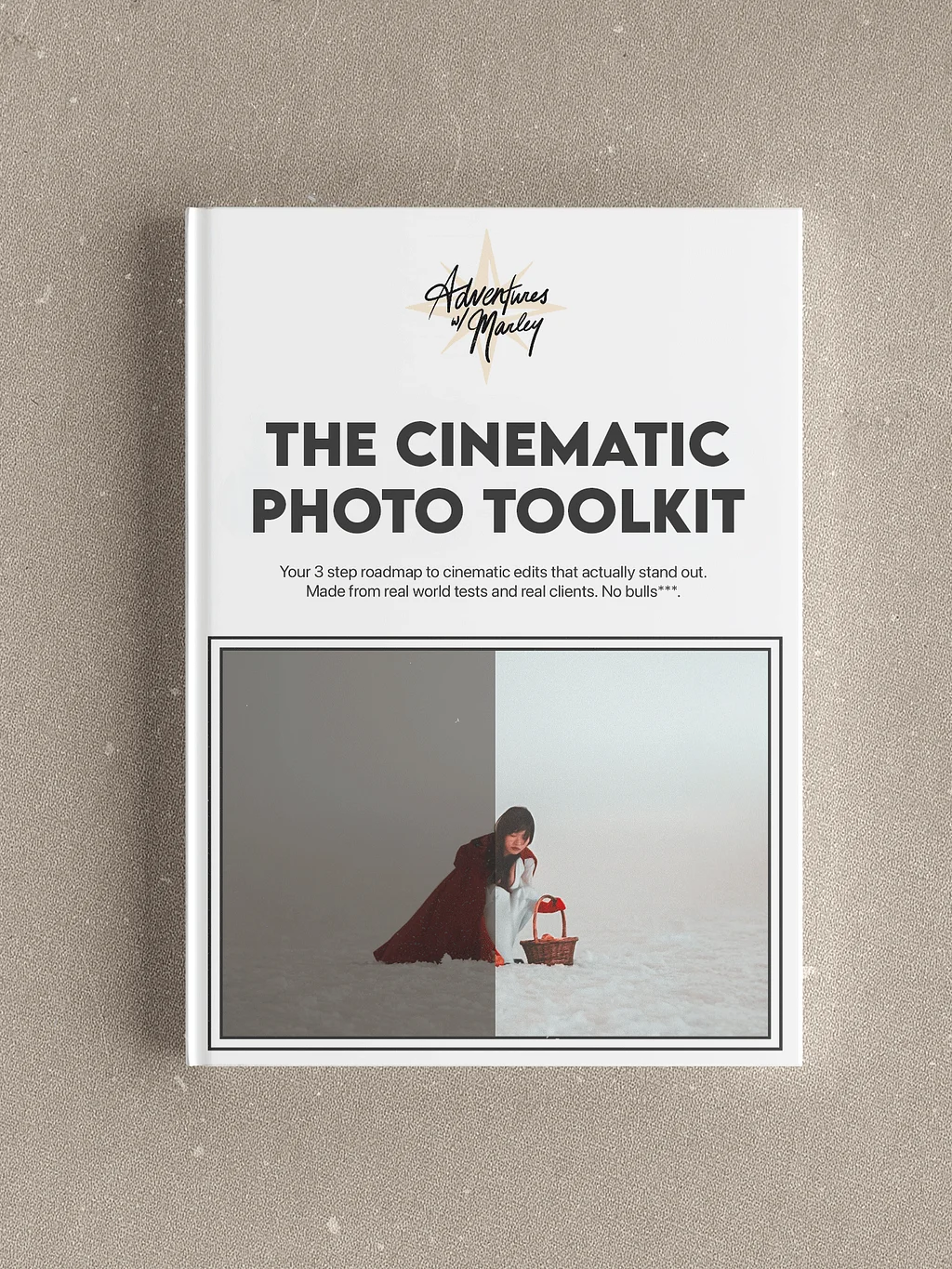
A Simple Shoot to Edit System You Can Repeat Every Time
No style guessing. No wasted shoots.
You follow the same workflow on every shoot. That is why the results stay consistent.
$99.00
30-Minute Editing Masterclass
Learn a simple, repeatable 3-step workflow I use on real client shoots.
My 3-Step Editing Process
-
Intent
-
Preset
-
Corrections
-
A full start-to-finish editing walkthrough
-
A PDF cheat sheet to keep your edits fast and consistent
-
Tools I use to speed up culling and clean up images
-
70+ Lightroom presets (Desktop + Mobile)
-
37 RAW files to practice with hands-on
The Four Pillars of Cinematic Photos:
- Movement
- Isolation
- Colour
- Contrast
Designed to help you get cinematic photos without buying new gear.
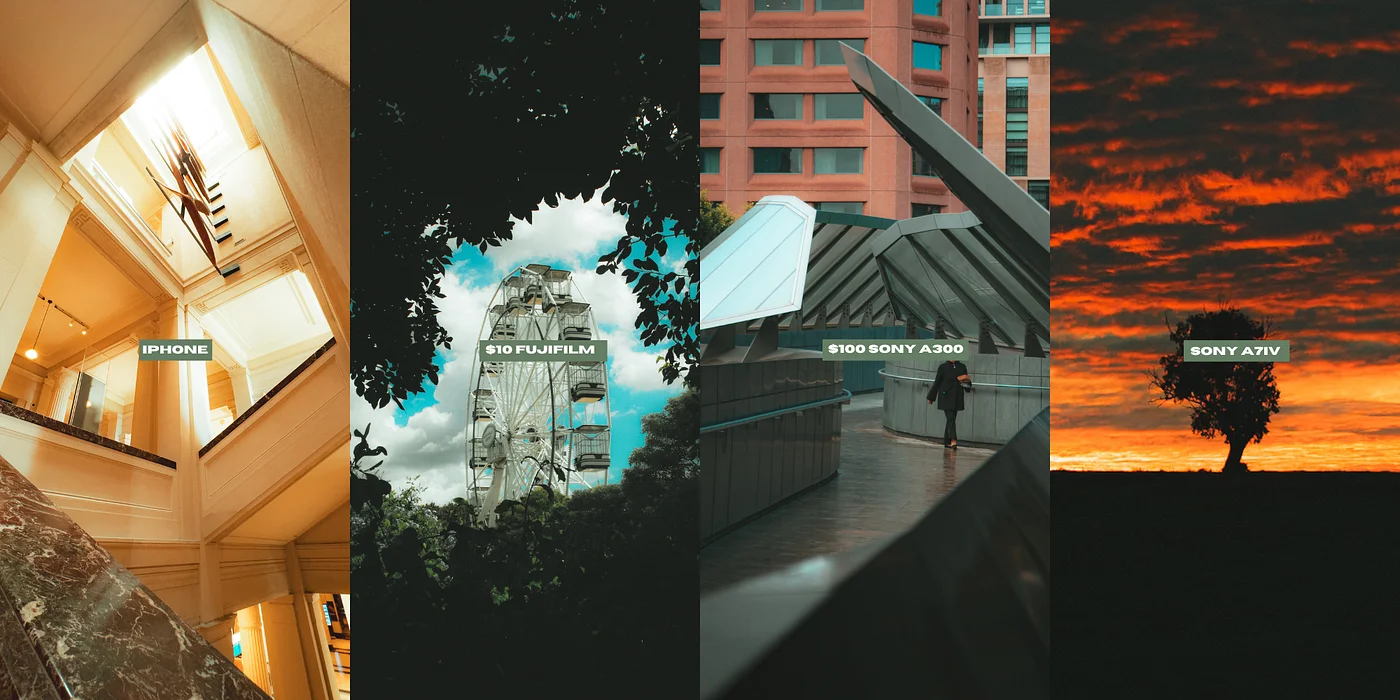
Cinematic Photos Aren't Created By Cameras
Stop chasing gear. Learn the exact framework I use to create cinematic photos on everything from smartphones to $10 thrift-store cameras.
Editing stopped being the hardest part of my work once I had a system I could trust.
The 30 minute Editing Masterclass breaks down my entire process into three simple steps, showing you exactly how I edit my photos from start to finish. You’ll not only learn how to transform your images with ease, but also streamline your workflow and consistently deliver professional, high-quality results.
What other creators have to say.
Used by photographers who want cleaner results without over-editing.
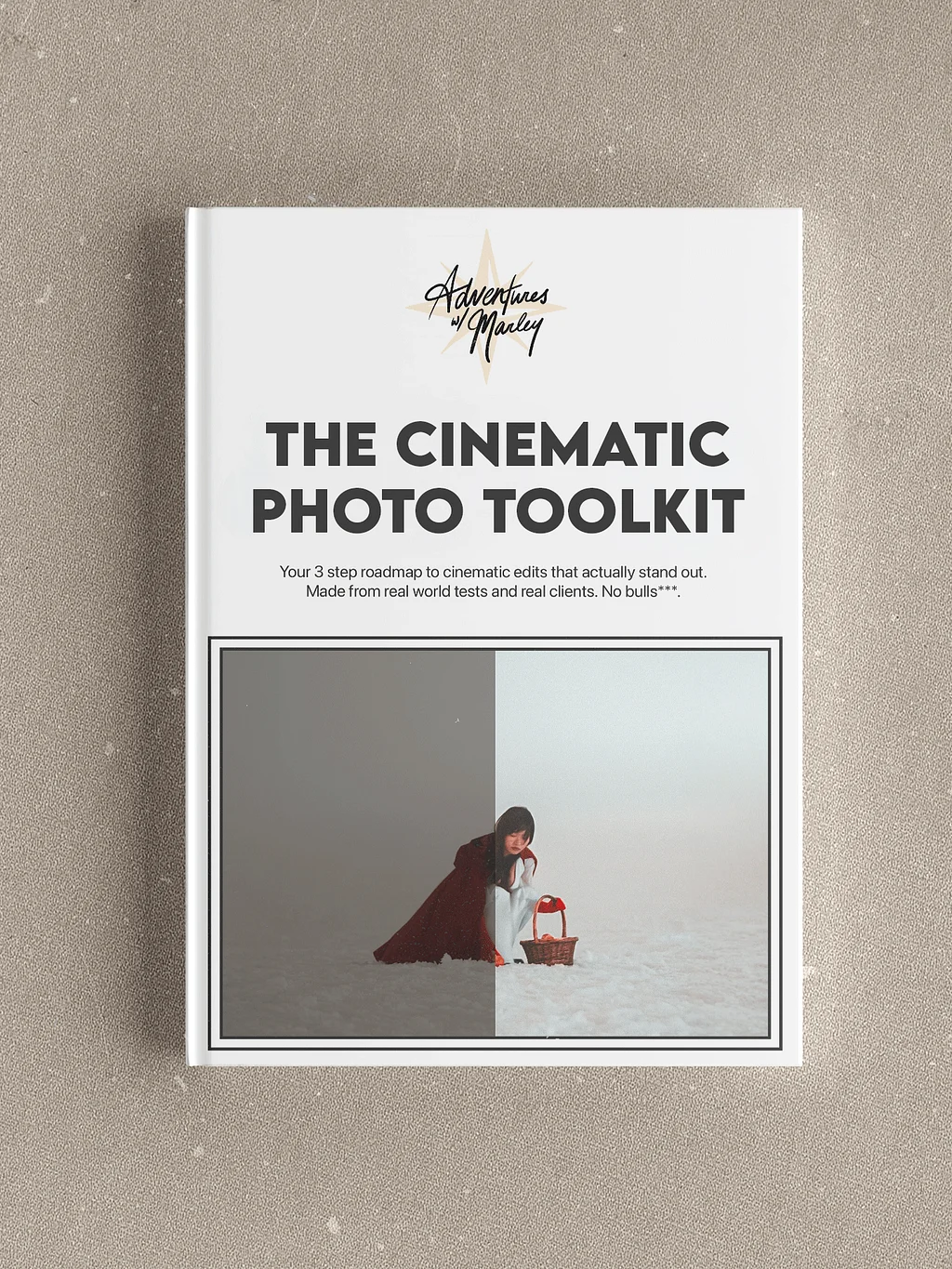
A Simple Shoot to Edit System You Can Repeat Every Time
$99.00
30-Minute Editing Masterclass
Learn a simple, repeatable 3-step workflow I use on real client shoots.
My 3-Step Editing Process
-
Intent
-
Preset
-
Corrections
-
A full start-to-finish editing walkthrough
-
A PDF cheat sheet to keep your edits fast and consistent
-
Tools I use to speed up culling and clean up images
-
70+ Lightroom presets (Desktop + Mobile)
-
37 RAW files to practice with hands-on
The Four Pillars of Cinematic Photos:
- Movement
- Isolation
- Colour
- Contrast
Designed to help you get cinematic photos without buying new gear.
Frequently Asked Questions
-
Is this for beginners?
Yes. This Toolkit was built specifically for beginner and intermediate photographers who want a simple system they can rely on, even on days when editing feels overwhelming or motivation is low. You don’t need to “know what you’re doing” already. The workflow shows you what to do, step by step. -
What camera do I need?
Any camera.
The entire Toolkit is built around the idea that cinematic photography comes from Movement, Isolation, Colour and Contrast, not expensive gear.
Whether you're shooting on an iPhone, an old DSLR, a bridge camera, or a professional setup, the principles remain the same.
-
Do I need a good camera?
No. Gear does not matter here. This system works with cheap cameras, older cameras, kit lenses, drones, and even iPhones. The entire Toolkit is built around getting better results from what you already own. -
Do the presets work with all versions of Lightroom?
Yes. You can use them in:
-
-
Lightroom Classic
-
Lightroom CC
- Lightroom Mobile (via .DNG files or imported RAW files)
-
-
Do I need the paid version of Lightroom?
No. The 3-step editing process works with the free versions of Lightroom as well. A paid plan gives you more tools, but it is not required to use this system. -
Can I post the RAW practice images on my own socials?
Yes. You’re welcome to post them.
Just tag me so I can check out your edits. -
Do you offer refunds?
I stand behind my toolkit and I’m confident it will help you improve. Because this is a digital product delivered via instant download, all sales are final and non-refundable.
That said, if you genuinely feel the Toolkit hasn’t helped your post-production workflow at all, email me at marley@advntrswithmarley.com and I’ll do my best to help you get unstuck.